Call rules
Choose Whitelist, Favorites, Contacts, Unknown Callers or Block All.
 Call Blocker X
PROTECTION YOU CONTROL
Block unwanted calls with clear rules, combined filters, schedules and Anti-Spam protection.
 Available exclusively for Android™
Requires Android 7.0 or later.
Available on Google Play for users in Brazil.
Simple setup and features you choose to enable.
Portuguese (Brazil), English, Spanish, French, German, Italian, Indonesian, Russian, Turkish, Vietnamese, Simplified Chinese, Japanese, Korean, Thai, Arabic, Urdu, Hindi and Bengali.
KEY FEATURES
Choose a main rule and combine filters to suit your needs.
Choose Whitelist, Favorites, Contacts, Unknown Callers or Block All.
Use Blacklist, prefixes, hidden-number and Anti-Spam filters according to the active rule.
In Anti-Spam, choose Basic, Strict or Custom. Stricter criteria may block legitimate calls.
Set different rules and filters by day and time, without repeated adjustments.
Review blocked and allowed calls and report suspicious numbers.
Activate a profile based on speed or a Bluetooth connection to reduce distractions.
Share your location and record routes only when you choose to enable them.
View your device’s last known location and location history for the past 24 hours on the website, with private access through your Google Account.
Requires prior activation in the app. Updates depend on connectivity and permissions.
Authorize call identification and blocking when Android asks. Choose a suitable rule and check an arranged test call in LOGS.
You do not need to keep the app on screen. Android battery restrictions may affect background features.
Location is used by the map and travel features you enable, not to select numbers in ordinary call rules.
EXPLORE THE APP
A straightforward, organized interface with Light, Dark or Automatic themes, so you can configure everything with confidence.
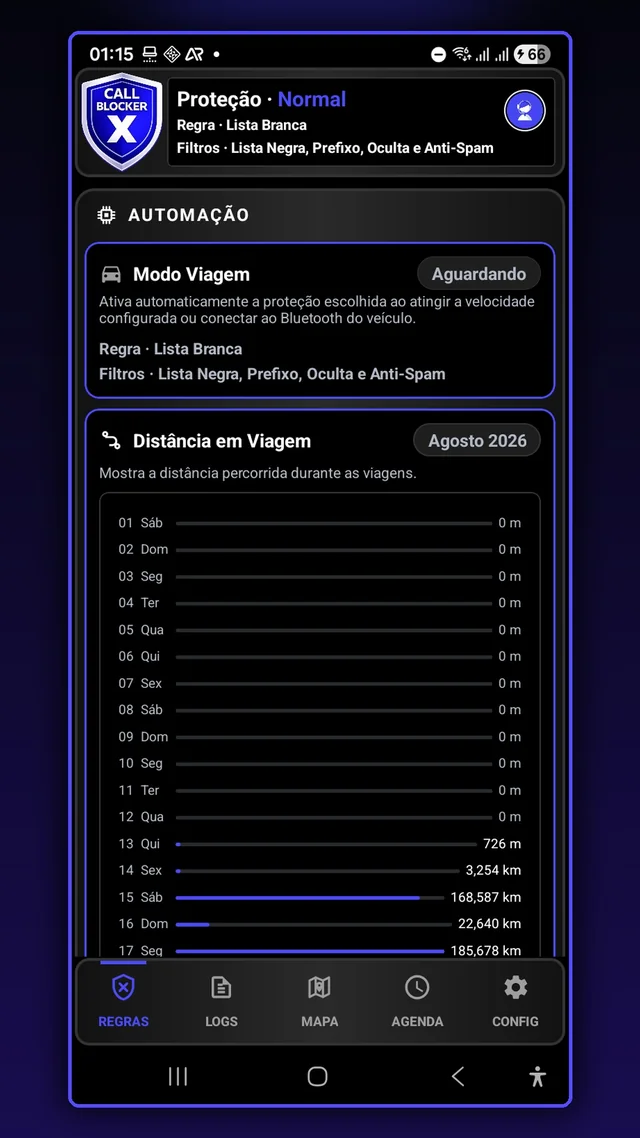
Choose from five rules to decide who can call. Set up Travel Mode to apply protection automatically based on speed or a Bluetooth connection.
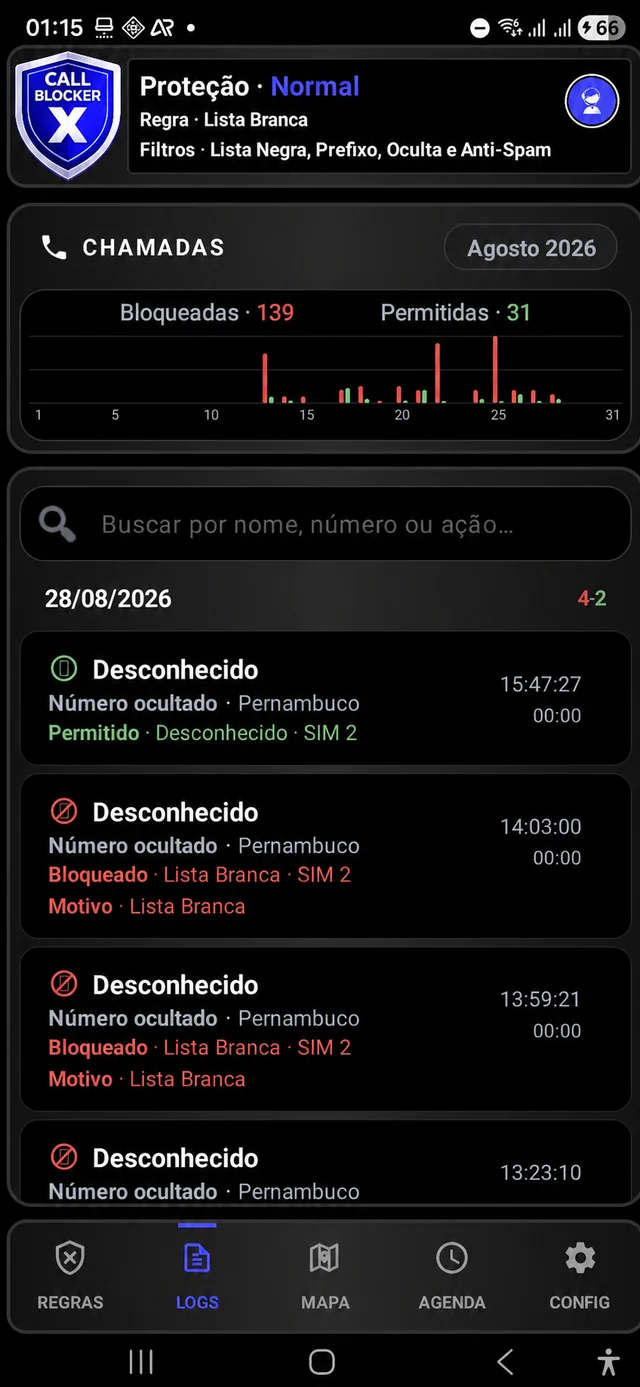
See blocked and allowed calls, check the reason for each decision and report suspicious numbers.
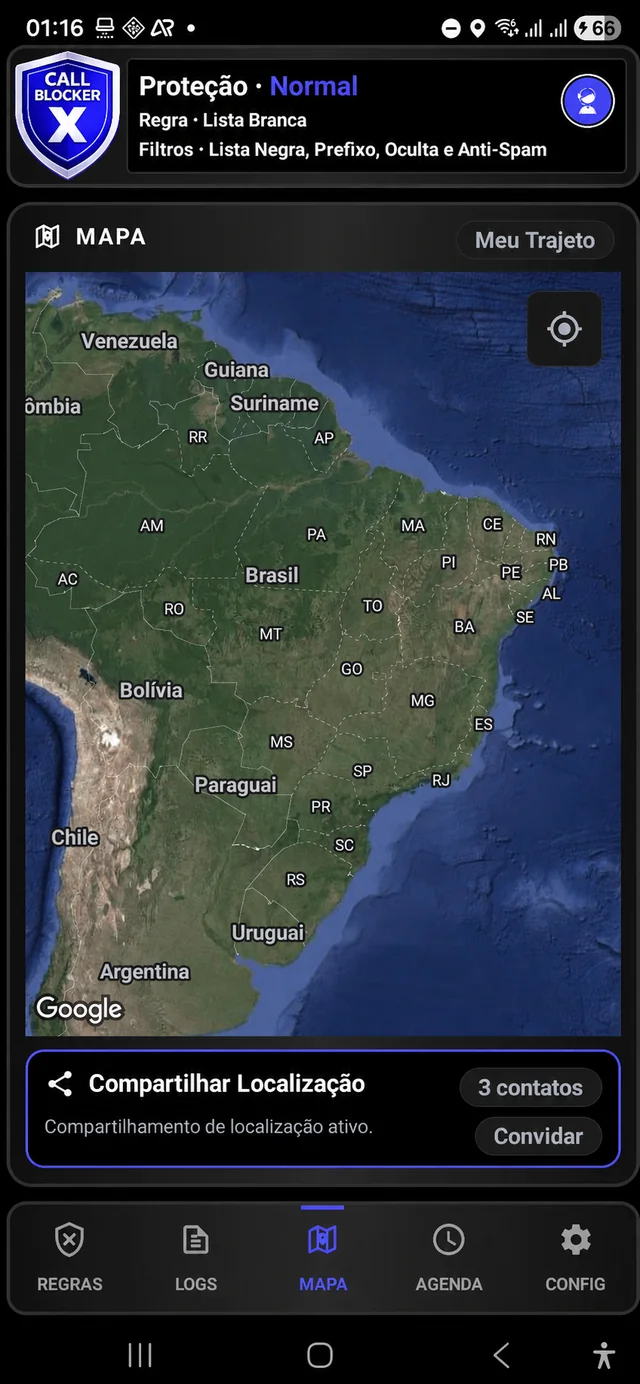
Share your location with authorized contacts, save points of interest and record routes when you enable these features.
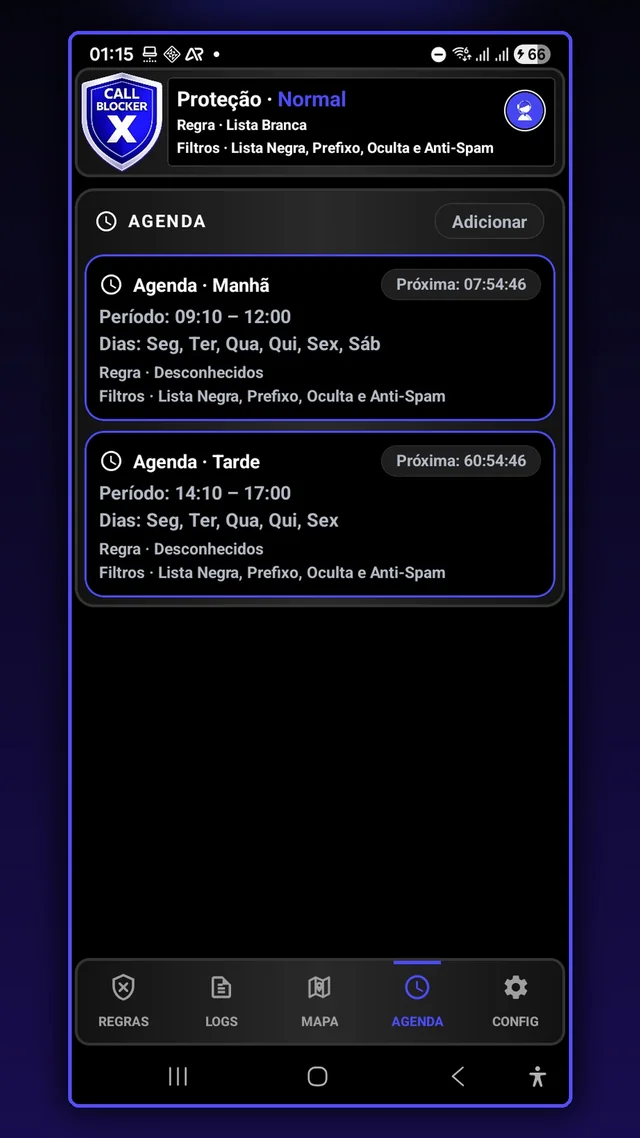
Schedule rules and filters by day and time to adapt protection to your routine.
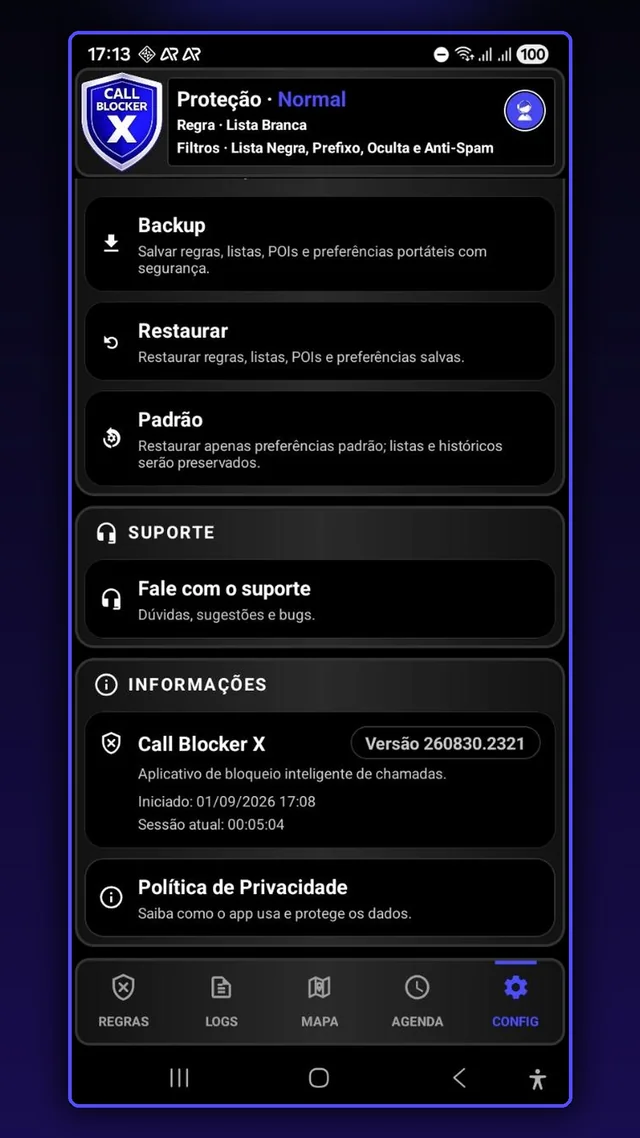
Personalize the app, back up and restore settings, and find guidance in First steps, Usage Tips and Support.
Illustrative screenshots in Portuguese. Phone numbers and personal markers are hidden in LOGS and MAP to protect privacy. Appearance may vary by version.
Install Call Blocker X from Google Play and set up your call rules on Android.
PRIVACY FROM THE START
You can configure or disable features in the app. Location features explain how they work before activation and display a notification while running.
The Privacy Policy and Account Deletion pages are available in Portuguese.
Choose Light, Dark or Automatic in the app settings. Automatic mode follows your phone’s system theme.
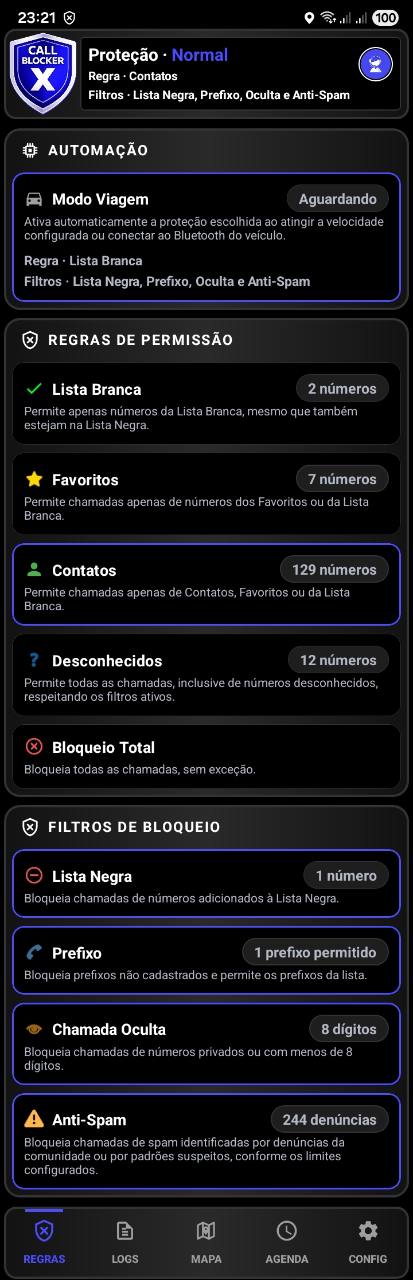
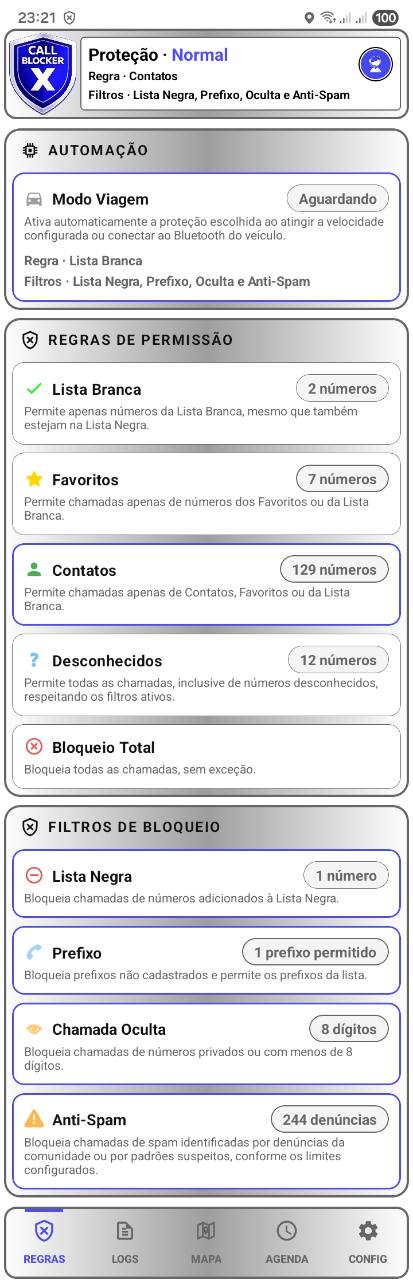
Compare the same screen in both themes. Tap an image to enlarge it.
Choose compact status, a monthly chart, a summary with shortcuts or the full layout.
Protection, active rule and filters in a compact layout.
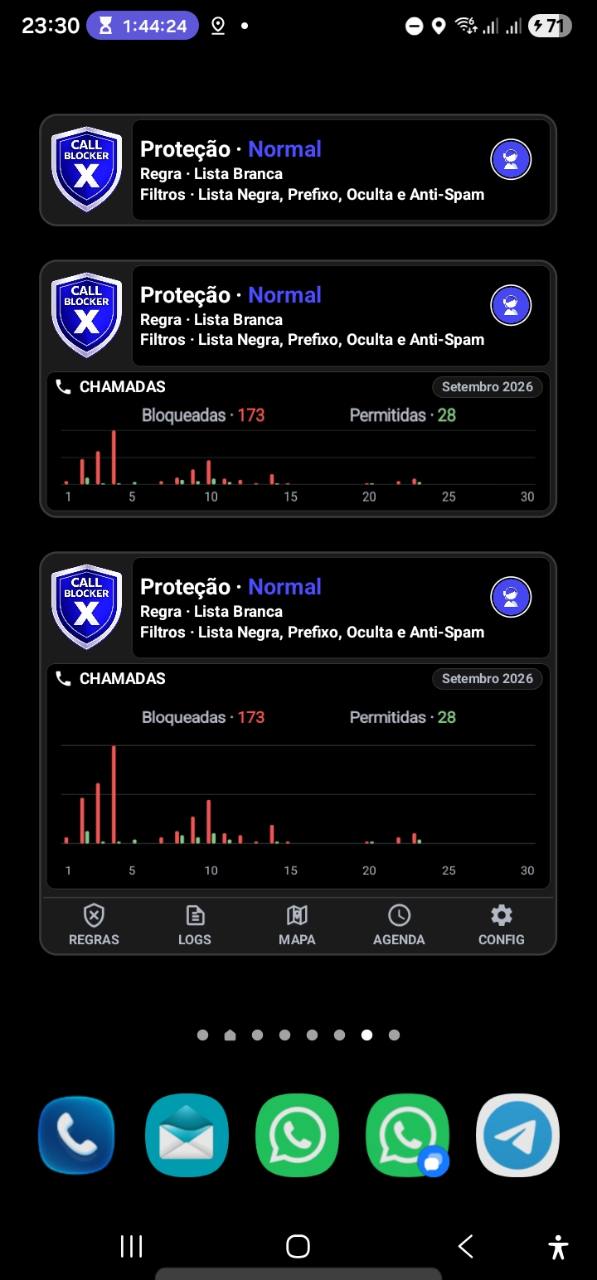
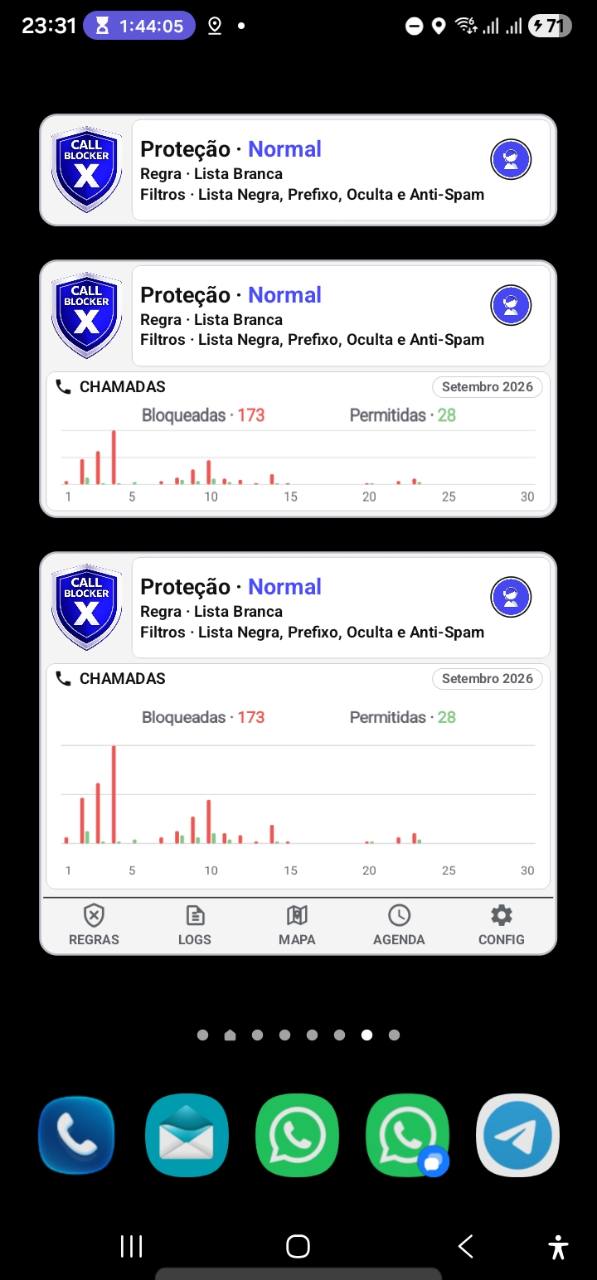
Status and a monthly chart of blocked and allowed calls.
Status, month and call totals without chart bars, with shortcuts to Rules, Logs, Map, Schedule and Settings.
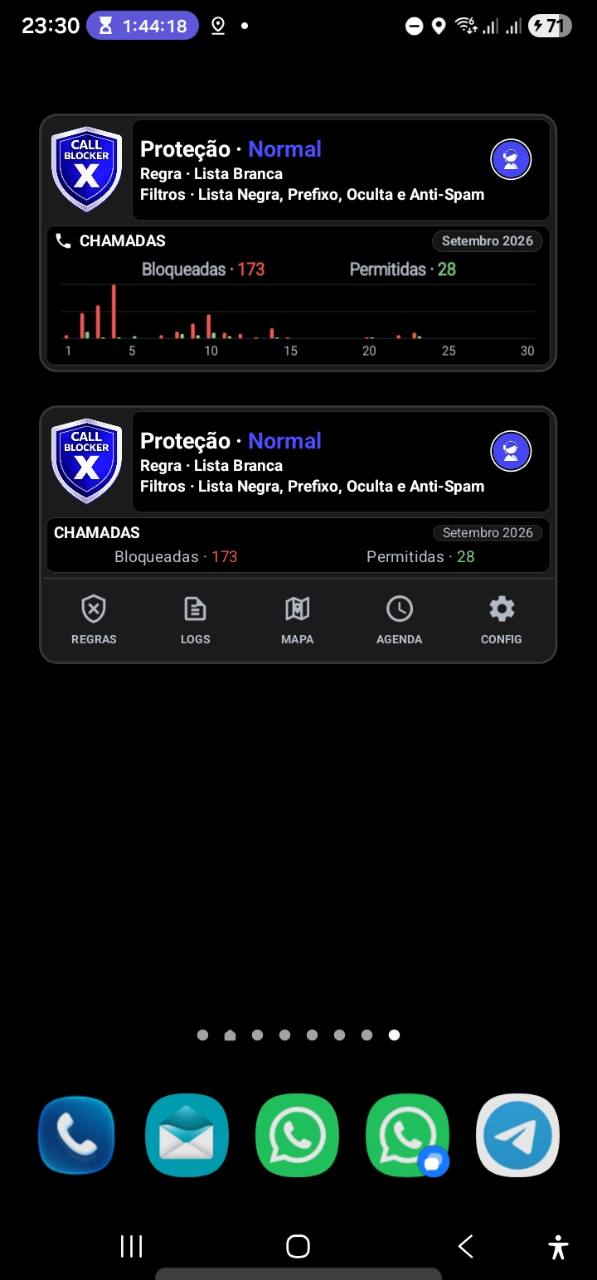
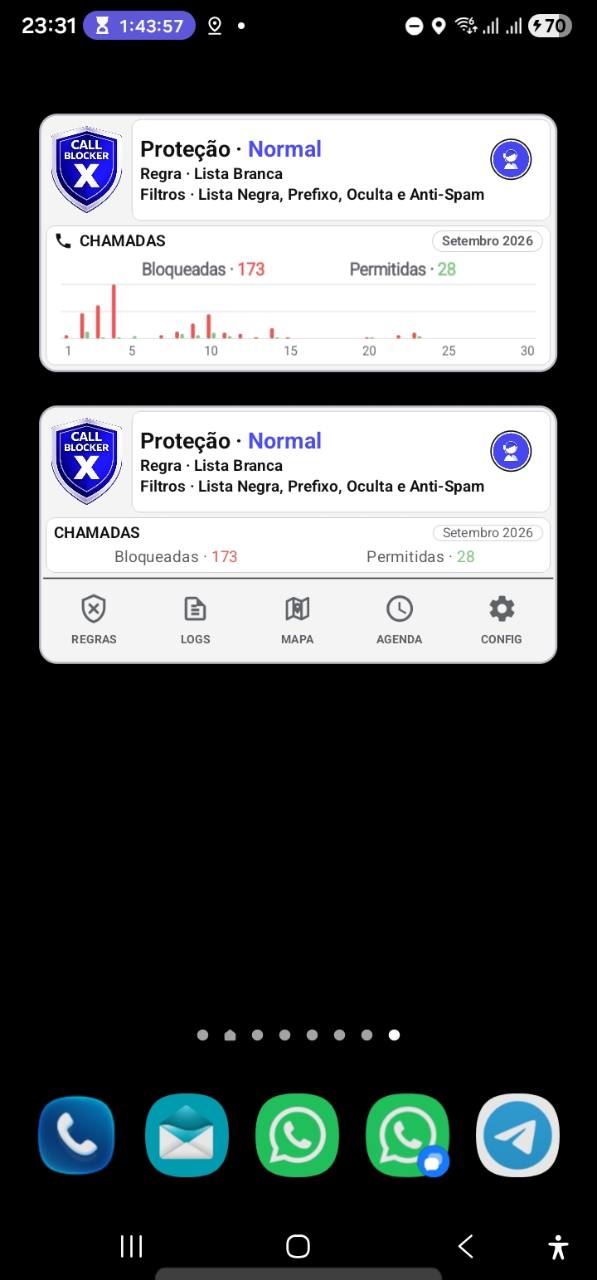
Status, a larger monthly chart and all five shortcuts.
Touch and hold an empty space on your Android home screen. Choose Widgets, find Call Blocker X and drag your preferred size onto the home screen. Steps may vary by phone.
Read common questions or open the Help Center to search for other topics.
Open RULES and double-tap the rule you want. The selected rule controls calls when Normal Protection is active. A single tap only expands or collapses its options.
Open LOGS and tap the call once. Its details show the classification, risk, reason, criterion, active rule and SIM when that information is available.
Choose who should be able to call. If you need calls from couriers, doctors or other unsaved numbers, Unknown Callers allows those calls subject to filters. Contacts allows Contacts, Favorites and the Whitelist. Double-tap your rule in RULES and check the header. Authorize call identification/blocking when Android asks. Arrange a test call and check LOGS. Avoid Block All: it also blocks family members and whitelisted numbers.
You do not need to keep the app on screen for call protection. Travel Mode, location sharing and route recording are separate features that can run while the app is minimized, depending on permissions and settings. A notification indicates activity but does not guarantee that all data is up to date. Stop a feature using its control in the app. Do not force stop, clear data or uninstall as the first troubleshooting step. Android battery restrictions may affect background operation.
CONTACT THE TEAM
Send questions, suggestions and bug reports through the app support or by email.